Deliberately simple
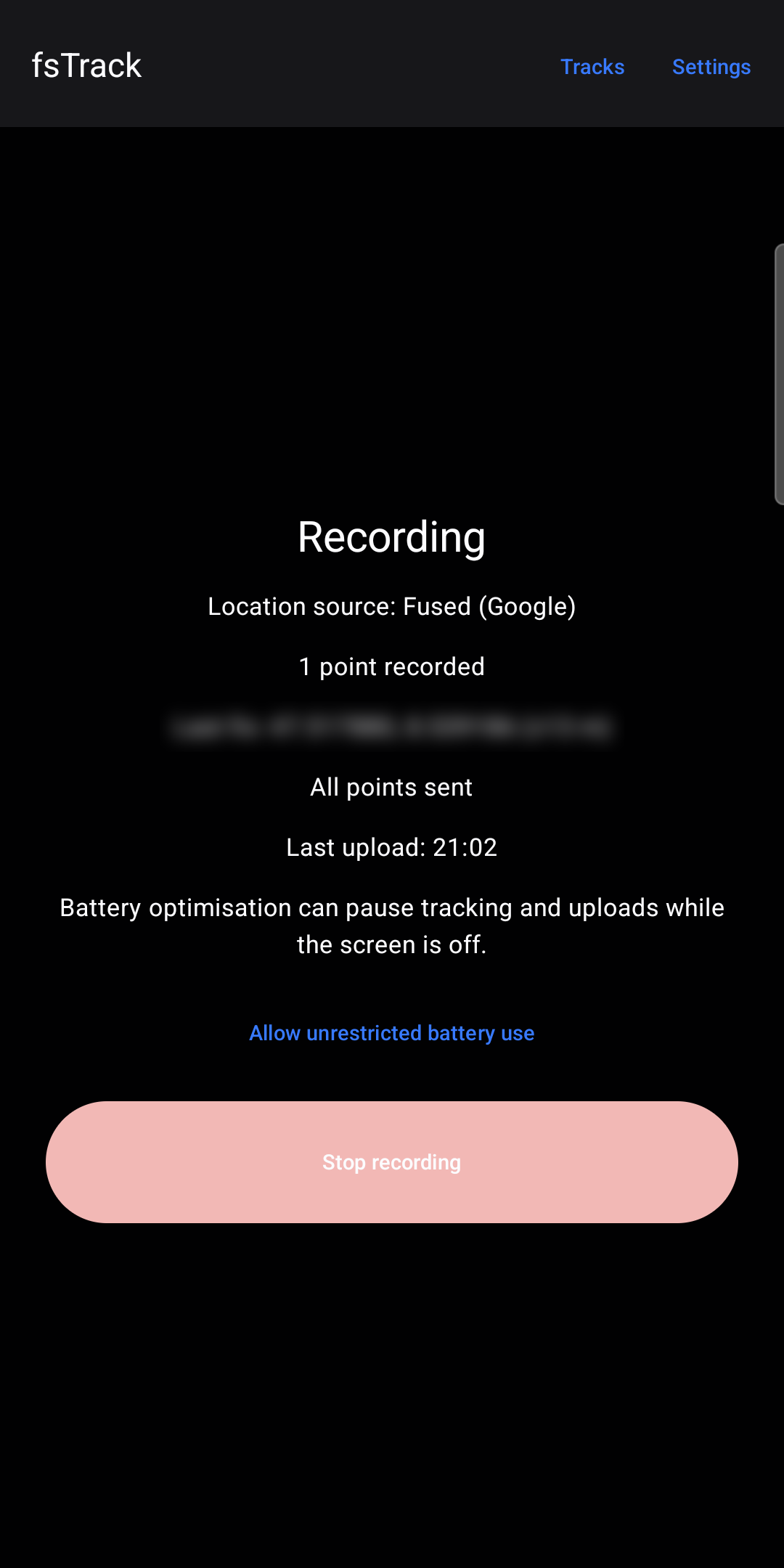
One button to start and stop. Everything else stays out of the way – and your battery lasts.
One-button recording
Start and stop with a single tap. A notification shows while recording is active, with a Stop button.
Live to Traccar
Every point goes to your own Traccar server (OsmAnd protocol), including battery level and motion state.
Offline queue
Points recorded without internet are kept and sent automatically as soon as you are back online.
GPX files
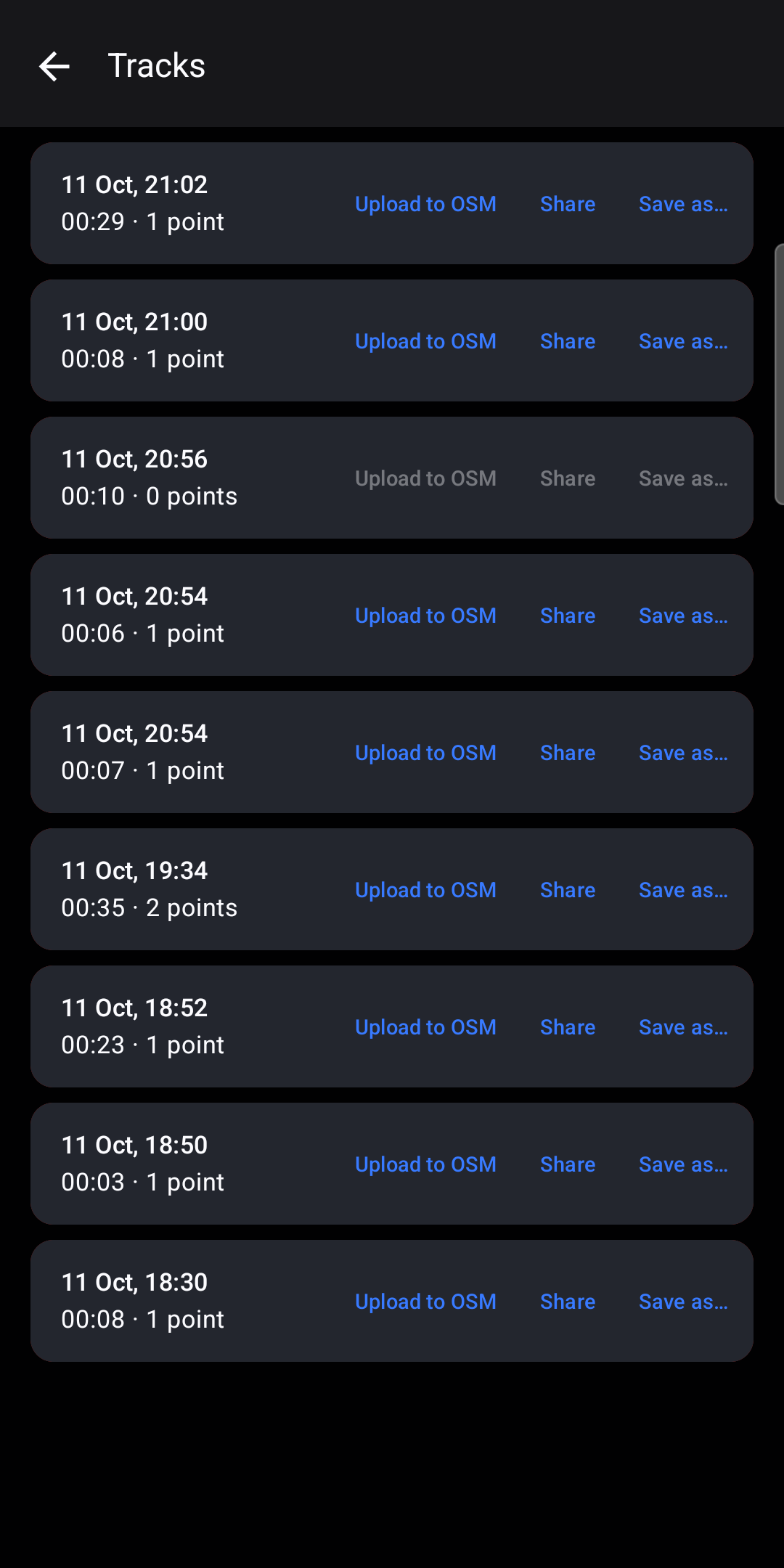
Every recording is saved as a GPX file in Documents/fsTrack. Share it or save it anywhere, e.g. your cloud storage.
OpenStreetMap upload
Optionally upload tracks to your OpenStreetMap account as GPS traces – by hand or automatically.
Smart recording
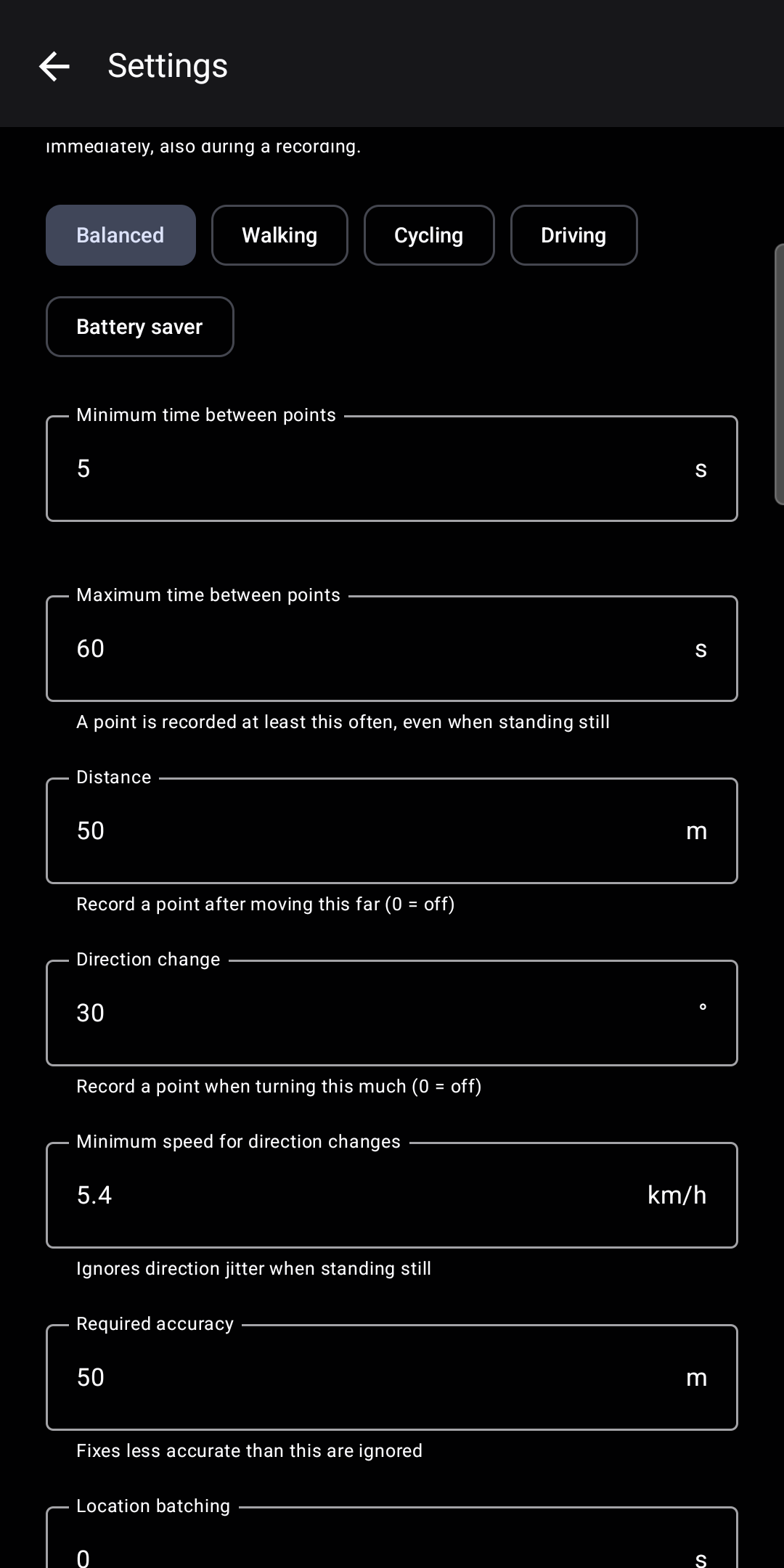
A point is stored after a set time, distance or change of direction. Presets for walking, cycling, driving and battery saving; send in bursts to save even more.
Screenshots
Tap a screenshot to see it full size.
Download
Install the APK directly. Both versions have the same features; they differ only in how the position is determined.
Standard
Uses Google's fused location provider for fast, battery-saving fixes, and falls back to the phone's GPS. Needs Google Play services.
Download APKFOSS
Contains no Google libraries and uses only the phone's own GPS. For phones without Google Play services, e.g. GrapheneOS or LineageOS.
Download APK- Open the downloaded file on your phone (Android 14 or newer).
- If asked, allow your browser or file manager to install unknown apps.
- For live tracking, enter your Traccar server address in fsTrack → Settings. Recording and GPX export work without a server.
Privacy
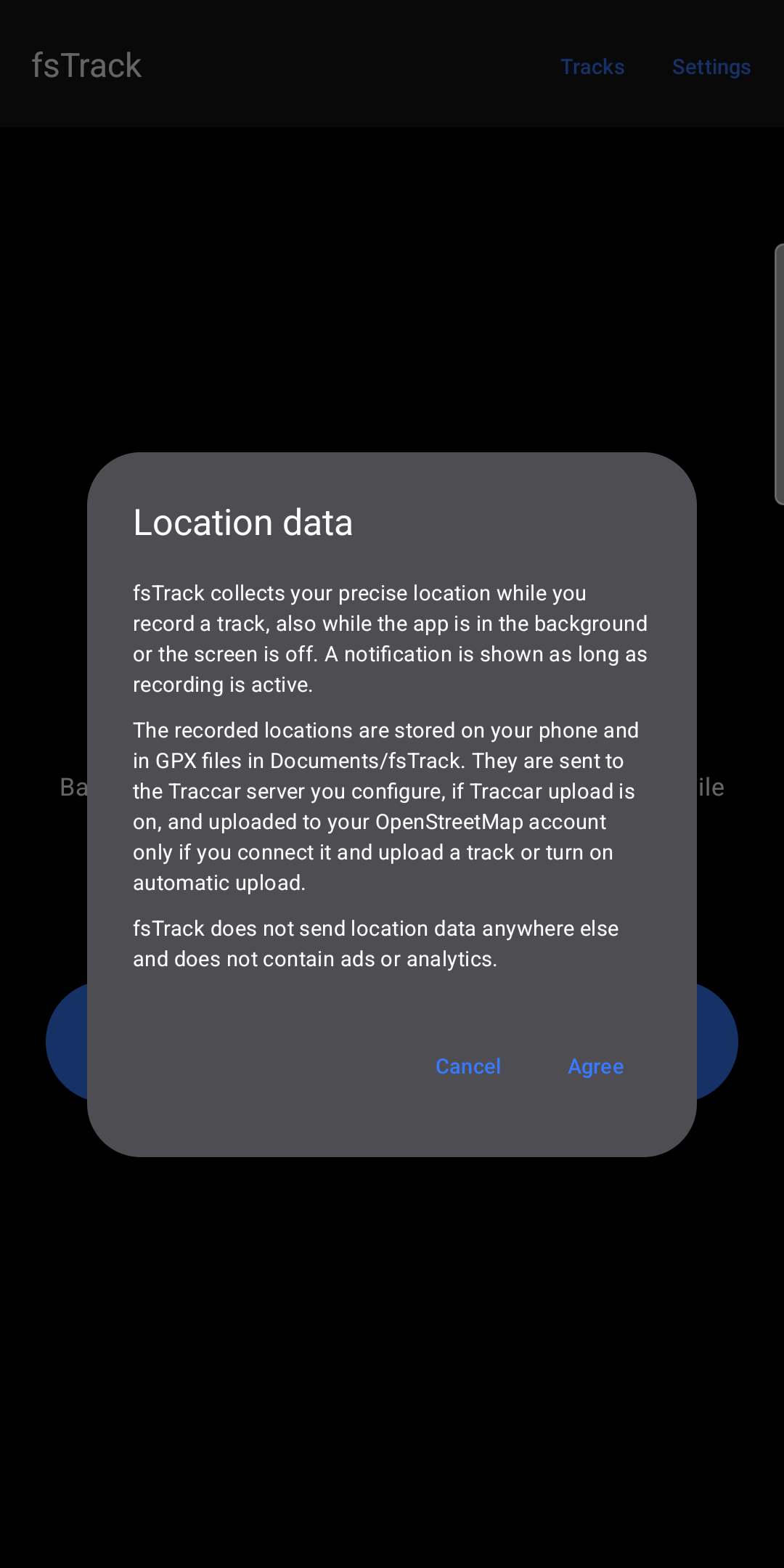
No ads, no analytics, no account with us. fsTrack never sends anything to the publisher. Your locations go only where you send them: to your phone, your own Traccar server and, if you want, OpenStreetMap.
Read the full privacy policy · Datenschutzerklärung (Deutsch)